
SHA-256 Hash: how to check if a file has been changed
Generate SHA-1, SHA-256, SHA-384, and SHA-512 hashes to verify file and data integrity. Essential tool for developers.
When transferring a file between computers, comparing the hash helps you find out if the contents have changed along the way.
Generate SHA-1, SHA-256, SHA-384, and SHA-512 hashes to verify file and data integrity. Essential tool for developers. To try it, open SHA-256 Hash and follow what happens with a real example.
Understand the tool
Calculate MD5, SHA-1, SHA-256, SHA-512 and CRC32 hashes of text or files.
What are hash functions and why they are fundamental
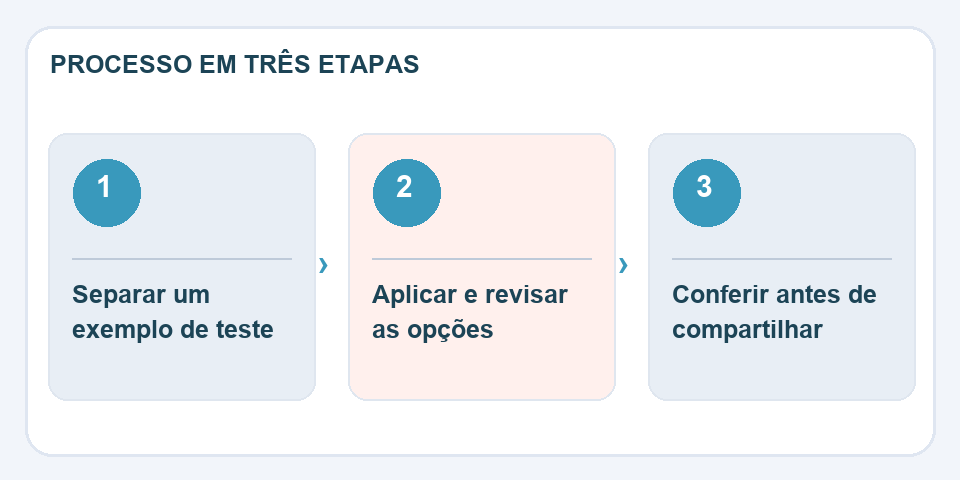
Transform input into a fixed-length string. Small change changes output completely.
Uses Web Crypto API. Fast but obsolete MD5. SHA-256 current standard recommended.
When to use — 4 practical situations
Integrity check
Compare hashes of downloaded files with the original to confirm integrity.
Password storage
Store password hashes instead of plain text. Use SHA-256 with salt.
Digital signature
Generate document hashes for digital signature and verification.
Duplicate detection
Compare file hashes to find duplicates without comparing content.
What to consider when using this tool
SHA-256 for general security. MD5 for non-critical integrity checking only.
hash is one-way. It is not possible to recover the original text.
Theoretically yes (collision), but extremely unlikely with SHA-256.
calculates hash of files of any size using streaming.
For production use bcrypt or Argon2. Salted SHA-256 is acceptable for simple apps.
A hash works like a fingerprint of a piece of content. It is useful for comparing files, recording versions or checking if text has changed.
Hash is not used to reversibly hide a password. Security depends on the algorithm and the correct use of salt and specific functions for passwords.
What the result demonstrates
Compare equal algorithms and complete values. Hash confirms byte equality, but does not guarantee that the original file is reliable.
Reading the result only solves part of the task: an identical hash compares the bytes of two inputs, while decoding a JWT allows you to read its content, but does not prove the authenticity of the sender. In real applications, verify integrity and signature using format-appropriate mechanisms.
A second conference
When working with structured information, separate what the tool displays from what the system actually interprets. Before automating a routine, try one common input and one unexpected input. This helps identify format limitations without exposing an entire set of data.
Also read
- Barcode: how to generate and test before printing
- HTML Entities: How to Keep Accents and Symbols Correct
- Unit converter: avoid measurement errors in reports
Technical reference: in-browser encryption and hashes (MDN).

Fabiano Freitas has a degree in Information Technology Management and writes about technology applied to everyday life, digital tools and productivity. At FileBito, it publishes practical guidance on PDF, images, data and conversions, with attention to privacy, file quality and checking results.