
Video too big to send: compression without destroying audio and subtitles
Understand resolution, bitrate and output format to reduce videos while keeping the content understandable.
A recording of a presentation is five minutes long and takes up too much space to send to the group. Before compressing, find out whether the recipient will watch on their cell phone, project on a large screen, or archive a quality version. These situations call for different adjustments.
What weighs in a video
Resolution, frame rate, duration and bitrate influence file size. Downscaling from 4K to 1080p might make sense for mobile viewing; Lowering the bitrate too much can blur slide text and motion. The toolCompress videoallows you to produce a smaller version, but the quality needs to be checked on the move.
Don't just choose the configuration that generates the smallest file. In videos with presentations, the small print deserves more attention than the background of the room. In interviews, intelligible audio often matters more than wall texture details.
Take a test snippet
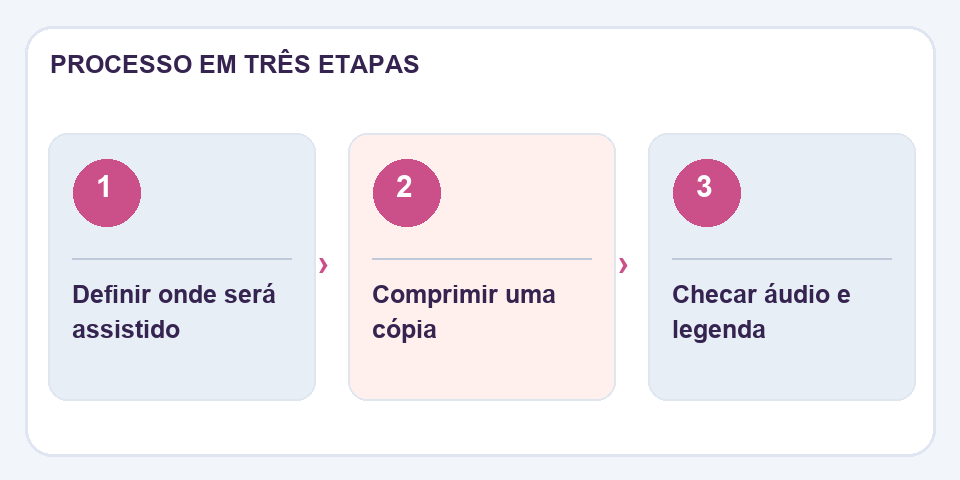
If you can, start with a part that contains movement and speech. Listen using headphones, observe synchronization between sound and image and check if embedded subtitles are still visible. Some flows may change metadata or compatibility with older devices.
Avoid losing the only copy
Keep the original video in a safe place and name the tablet differently. If the recording will be edited later, preserve the best possible source: successive compressions accumulate losses. The lightweight version is great for distribution; the quality matrix is what allows you to redo the work in the future.
Speech and slides deserve different priorities
In a lecture recording, a slightly softened face may not hinder understanding. A blurred equation or table can make the material useless. Before compressing, identify the parts of the video that require the most sharpening. If most of your content is slides, reduce the resolution carefully and avoid adjustments that destroy small characters.
Audio is another frequent source of problems. Some tools can reduce the video a lot, but leave the sound muffled or out of sync. Listen to excerpts at the beginning, middle and end, preferably with simple headphones. If there are subtitles, check that they are still synchronized and readable. A lightweight version is only really useful when the person receiving it can follow the content without asking for the original file.
Also read
- Image compression for websites: less weight without sacrificing the photo
- Compare texts: find discrete changes between two versions
- Header and footer in PDF: organize versions and avoid confusion
Technical reference: video compression and codecs for the web (MDN).

Fabiano Freitas has a degree in Information Technology Management and writes about technology applied to everyday life, digital tools and productivity. At FileBito, it publishes practical guidance on PDF, images, data and conversions, with attention to privacy, file quality and checking results.