
How to number pages of PDF reports and handouts
Learn how to insert clear numbering, choose position and avoid numbers superimposed on the footer or file text.
“See page 18” is an unhelpful instruction when each reader shows a different count. In handouts, reports and materials distributed to a team, visible numbering helps to locate sections and record observations. The challenge is to enter numbers without covering important information.
Choose a pattern before applying
Decide whether the cover should receive a number and how to treat initial pages. Academic documents, internal reports, and class materials follow different conventions. If there is a summary, check whether the new numbering remains consistent with the existing references.
Prefer a free position, normally in the bottom margin, away from already filled tables, signatures and footers. A PDF with several sources may have different margins from page to page, so it's worth opening a few pages at the beginning, middle and end before choosing the place.
Simple numbering works best
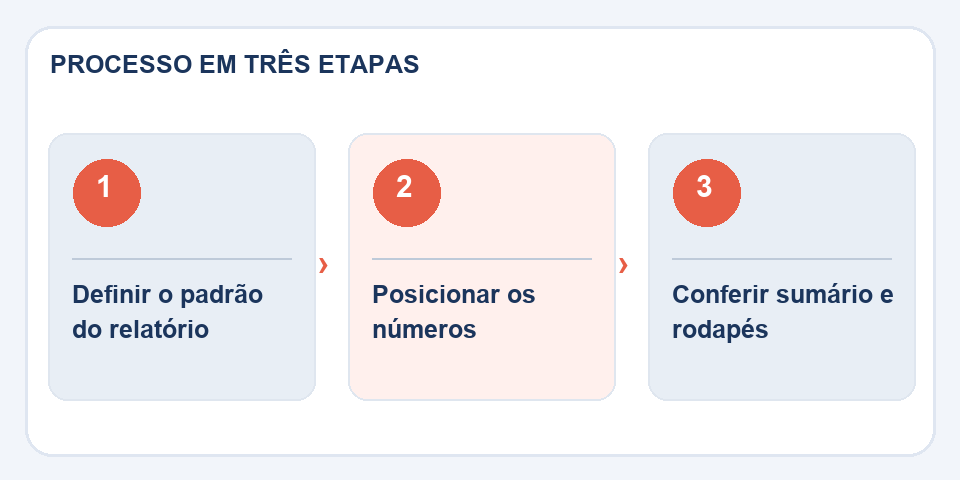
In the toolNumber PDF pages, configure the positioning and available numbering. In materials that will be printed double-sided, numbers in the outer corner can improve readability, but only if the arrangement of the sides has been planned.
Avoid exaggeration: a discreet number is easier to follow than a large decorative element. If the PDF already has footers with dates, institution name or version code, make sure there is enough space. Text overlap is one of the most frequent problems in this type of editing.
Check the summary and references
After exporting, navigate to some pages mentioned in the text. Does the indicated page really correspond to the expected content? A sheet inserted at the beginning can shift all references. In reports subject to review, note the file version so as not to confuse copies with different pagination.
If the document has a digital signature, changing the pages after signing may affect the validity of the signature. The best flow is to finalize content, sequence and numbering before signing and distribution.
Covers, attachments and the “page 1 of 1” problem
In an academic work, the first sheet of the file is not always the first numbered page. Covers, summaries and annexes follow conventions that vary depending on the institution. Before entering numbers, figure out whether the count should start on the cover, the introduction, or another section. In long documents, it is worth making a test copy of just a few pages and checking whether the desired pattern was applied.
A second trap appears when the file already has numbers printed in the footer. Overlapping a new number can create contradictory indications. Zoom in on the bottom of representative pages and see if there are any previous marks. If the PDF will be split later, decide whether each part starts from number one or maintains the pagination of the original set. For readers who will quote excerpts, this consistency avoids rework.
Also read
- Header and footer in PDF: organize versions and avoid confusion
- PDF watermark: how to identify a copy without disturbing reading
- Markdown for PDF: how to share documentation without taking the repository along
Technical reference: organization and numbering of pages in PDF (Adobe).
Questions that often appear
Can I start counting after the cover?
It depends on the options available in the editor and the convention adopted. Check the preview before exporting.
Are the numbers included in the PDF content?
The tool applies elements to pages; Check that no numbers overlap the existing text.

Fabiano Freitas has a degree in Information Technology Management and writes about technology applied to everyday life, digital tools and productivity. At FileBito, it publishes practical guidance on PDF, images, data and conversions, with attention to privacy, file quality and checking results.