
OCR on Scanned PDF: How to Review Recognized Text
Turn scans into searchable content and learn how to find OCR errors in names, numbers and tables.
The contract was scanned years ago and no one can find a clause through the search. It appears to contain text, but each page is a photograph. Optical character recognition, known as OCR, tries to figure out which letters exist in pixels. It is a huge help for research, but requires revision when the data is important.
The source image decides much of the result
Crooked pages, shadows on the spine and stamps over words confuse recognition. If you can rescan, align the sheet, use good lighting, and avoid cutting the edge. A large image does not compensate for shaky letters. NodePDF OCR, start with a few pages and see if the result maintains the sequence of paragraphs.
The program can identify “0” as “O”, “1” as “l” and exchange commas for periods. In financial documents, a tiny difference changes the entire meaning. Search for known terms and compare with the original page image before copying data.
Searchable text is not automatically correct text
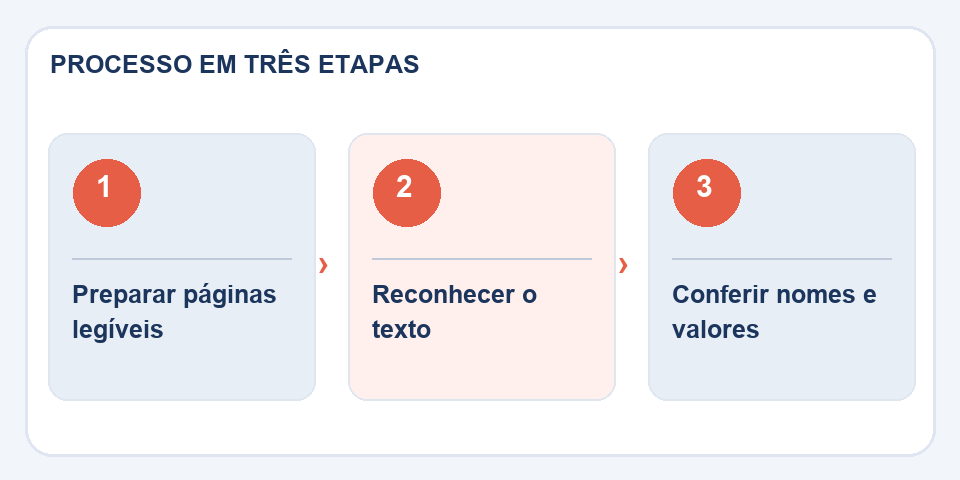
Even when OCR adds a search layer to PDF, complex tables can remain difficult to select. Check if the text follows the column order and if footnotes have been included. For a formal citation, refer to the scanned page, not just the recognized excerpt.
Care of personal documents
Avoid sharing material unnecessarily. Make a working copy and preserve the original scan, as it allows you to check OCR queries. The objective is to speed up the location of information safely, maintaining a reliable reference.
Research helps, but the source remains the image
Suppose you search for a clause by the name of a company. OCR recognizes almost everything, but it changes one letter in the name and the search returns no results. This does not prove that the term is absent from the document. On older scans, experiment with spelling variations, shorter sentence sections, and visually reading the most likely pages. Technology reduces search time; it does not certify the content.
When the scan has stamps, signatures, handwritten margins or tables with numbers, pay extra attention to these points. It is worth keeping two identified files: the original copy and the one with recognized text. If someone needs to validate a value or quote, the original image provides a reference to check the OCR. For legal, accounting, or medical use, never treat automatic recognition as foolproof transcription.
Also read
- How to copy text from a photo without introducing errors into the document
- Text copied from PDF full of breaks: how to make it readable
- How to number pages of PDF reports and handouts
Technical reference: page structure and accessible reading order (W3C).

Fabiano Freitas has a degree in Information Technology Management and writes about technology applied to everyday life, digital tools and productivity. At FileBito, it publishes practical guidance on PDF, images, data and conversions, with attention to privacy, file quality and checking results.